Describes Manage Behaviour Analytics Configuration in Cisco Secure Access. You can configure User and Entity Behavior Analytics (UEBA) detections for anomalous user activity in Cisco Secure Access.
You can configure User and Entity Behavior Analytics (UEBA) detections for anomalous user activity in Cisco Secure Access. Use behavior analytics to identify activity that differs from a user’s established patterns or from thresholds that you configure.
To view the configuration, go to:
Changes to UEBA configurations appear in the Admin Audit Log. Entries identify UEBA as the feature and the anomaly type as the component. Update entries show the changed property and its previous and new values. For more information, see Admin Audit Log Report.
You can enable or disable anomaly detection for all users, configure limits for operations by hours and minutes, and receive continuous rule updates. Detected anomalies are available to you for 30 days, even if you later disable detection. This setup allows you to proactively detect and respond to potential security threats by monitoring deviations from the configured user behaviour patterns.
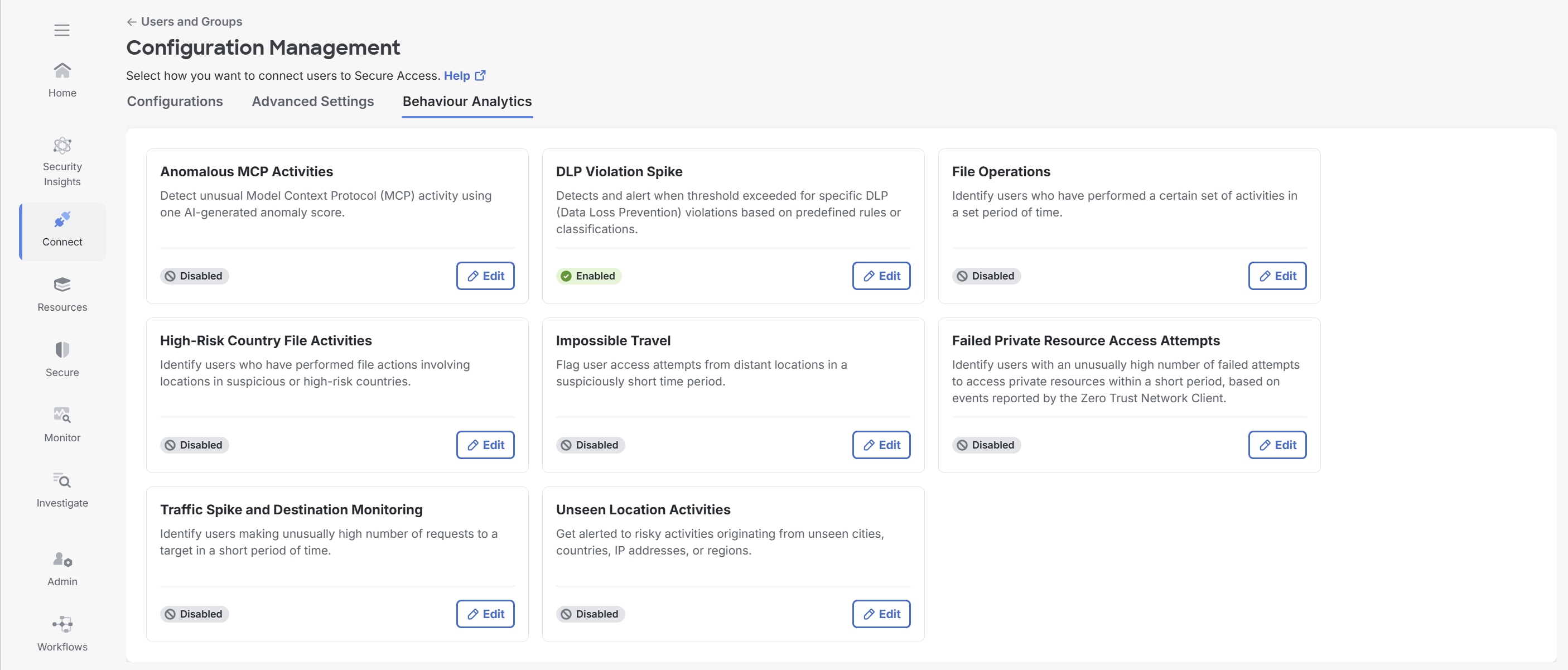
Available analytics
| Analytics | What it detects | Detection basis |
|---|---|---|
| DLP Violation Spike | An unusual increase in Data Loss Prevention (DLP) policy violations for selected DLP rules or classifications. | A fixed threshold or an AI-based user baseline calculated from the previous seven days. |
| File Operations | Unusual bulk file uploads, downloads, and deletions. | Manually configured thresholds or an AI-based baseline for each user and operation. AI analyzes recent user activity and can require up to seven days to learn normal patterns. You can configure the thresholds manually or using AI. |
| High-Risk Country File Activities | File uploads to, or downloads from, countries that you designate as high-risk. | Selected file activities and countries. |
| Impossible Travel | Events from geographically distant locations within an unrealistic timeframe. | Configured travel conditions. |
| Anomalous MCP Activity | Unusual Model Context Protocol (MCP) activity, including potential injection activity or a sudden increase in requests. | MCP activity patterns evaluated by Secure Access. |
| Unseen Location Activity | User activity from a city or source IP address that is not in that user’s rolling 60-day location history. | A rolling 60-day user location history.
|
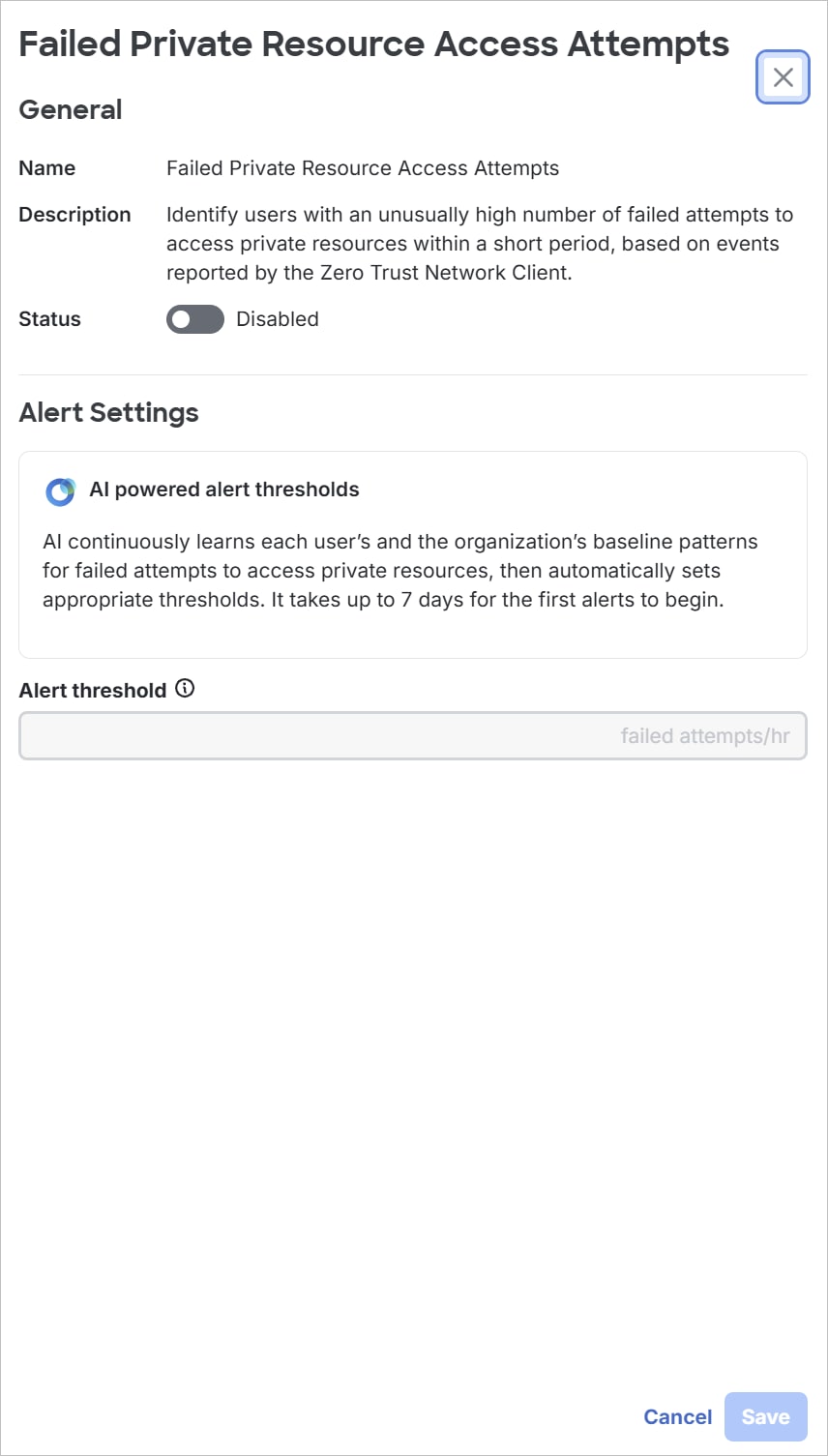
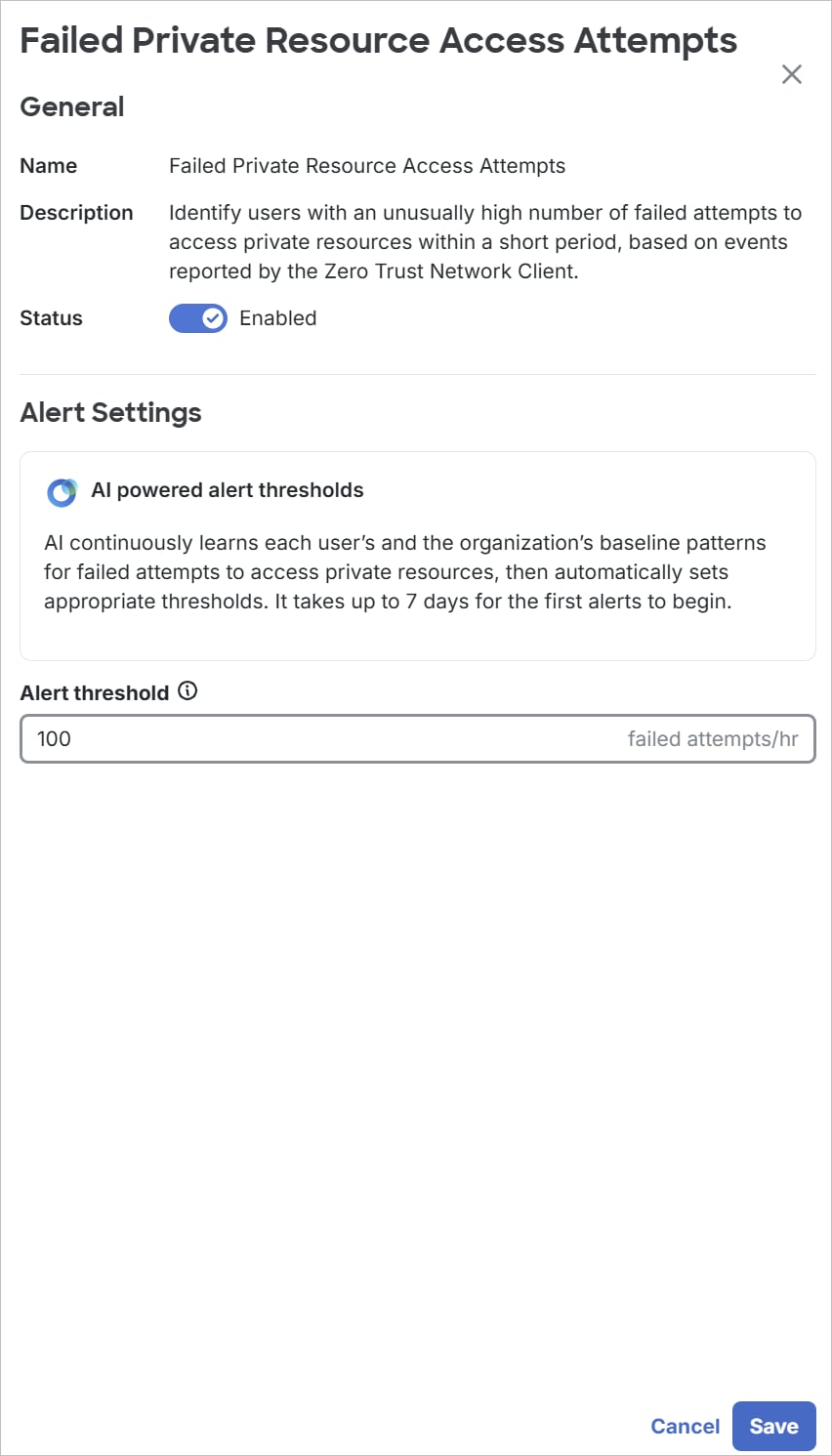
| Failed Private Resource Access Attempts | An unusually high number of failed attempts to access private resources. | An AI-based user baseline and a configured minimum number of failed attempts per hour.
|
| Traffic Spike and Destination Monitoring | An unusual increase in requests to a specific destination or to any TOR relay. | An AI-based user baseline calculated from the previous seven days and the minimum alerting threshold that you configure.
|
AI-based thresholds
For analytics that use artificial intelligence (AI), Secure Access compares current activity with a baseline learned for the individual user. The threshold that you enter is a minimum alerting level, not the user’s learned baseline.
Secure Access generates an AI-based alert only when the activity is anomalous for the user and the activity meets the configured minimum threshold. A low minimum threshold does not force an alert when the activity is normal for the user. A high minimum threshold can suppress an otherwise anomalous event.